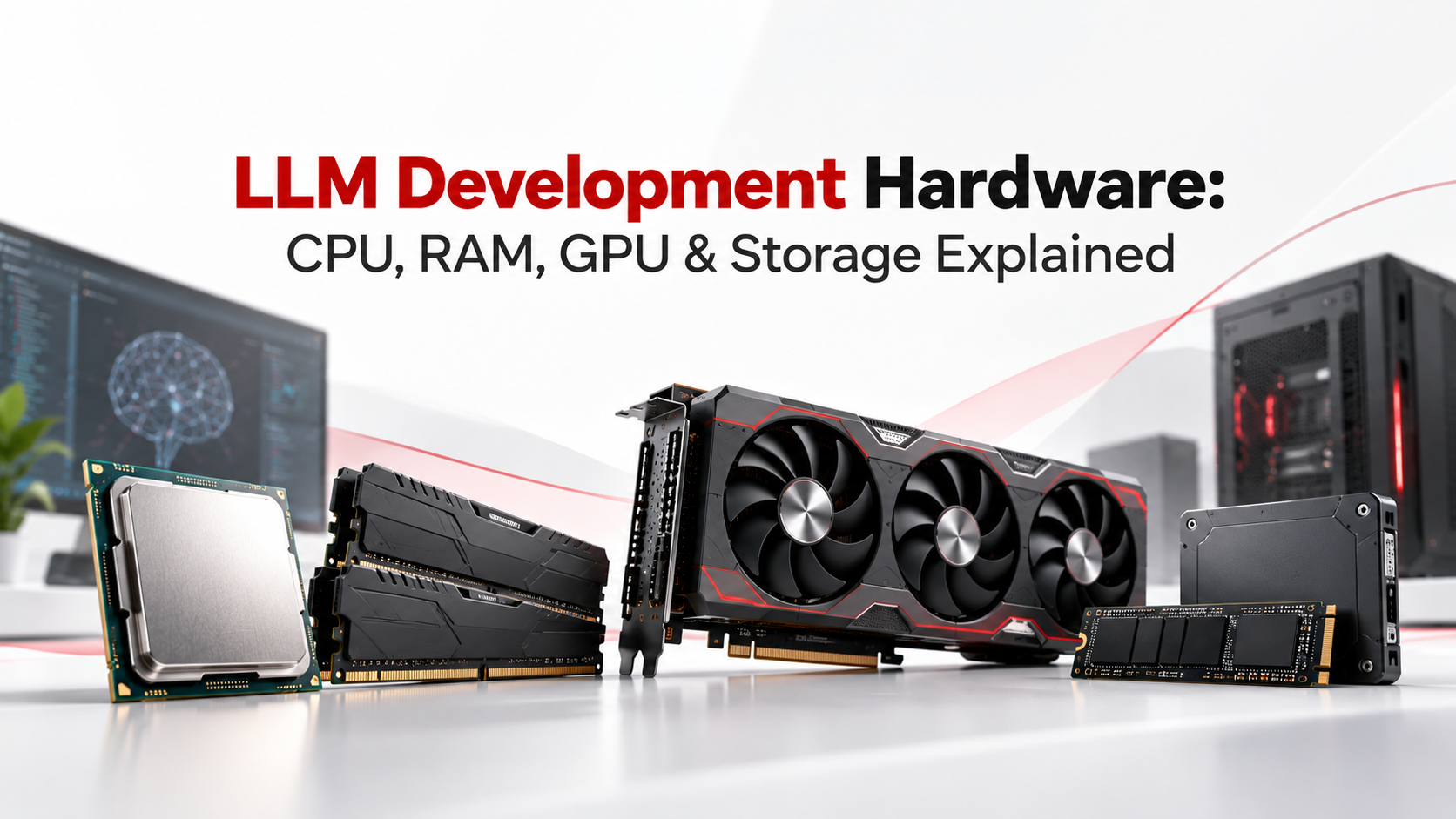
Large language model development is often discussed in terms of models, datasets, frameworks and APIs. However, underneath every successful AI workflow is a hardware stack that determines how quickly models load, how efficiently experiments run and how large a workload the system can realistically handle. This is why choosing the right LLM Development Hardware is an important part of building an efficient and scalable AI development environment.
Choosing the right hardware is therefore not simply about buying the most powerful GPU available. CPU performance, GPU compute, VRAM capacity, system RAM and storage speed all affect different parts of the development pipeline.
More importantly, hardware requirements change according to the workload. Running inference on a smaller quantized model can require substantially fewer resources than fine-tuning a large model or experimenting with multiple models and datasets.
Understanding these differences helps AI teams build infrastructure around actual workloads rather than specifications that look impressive on paper.
LLM Development Hardware Starts With the Workload
Before selecting individual components, teams should define what they intend to do with the system.
LLM workflows can include:
- Data collection and preprocessing
- Local model inference
- Retrieval-Augmented Generation (RAG)
- Embedding generation
- Model evaluation
- Fine-tuning
- LoRA or QLoRA experimentation
- Full model training
- Application and API development
Each workload stresses hardware differently.
For example, a developer building an application around a smaller local model may need moderate GPU resources but substantial RAM and fast storage. Meanwhile, an AI research team fine-tuning larger models may be constrained primarily by GPU VRAM.
Consequently, Hardware Requirements for LLM workloads should be determined by the development objective first and component specifications second.
CPU Performance Supports the Entire AI Workflow
The GPU receives most of the attention in AI infrastructure, but the CPU remains important throughout the development environment.
A CPU commonly handles preprocessing, data transformation, tokenization, application logic, orchestration and general software development tasks. It can also prepare data before workloads move to the GPU.
For LLM development, CPU selection should consider:
- Core and thread count
- Single-core performance
- Memory bandwidth
- PCIe connectivity
- Compatibility with the intended GPU configuration
A stronger multi-core processor becomes particularly useful when teams work with large datasets or run several development processes simultaneously.
However, spending heavily on a high-end CPU while using an inadequate GPU may provide limited benefits for GPU-intensive model workloads. Therefore, the CPU should complement the rest of the system rather than dominate the hardware budget.
GPU Compute Defines AI Processing Capability
For many workloads, the GPU is the most important component of LLM Development Hardware.
Modern GPUs perform large numbers of parallel mathematical operations efficiently. This makes them well suited to the matrix computations that underpin neural networks and transformer models.
GPU acceleration becomes especially important for:
- Model training
- Fine-tuning
- Local inference
- Embedding generation
- AI experimentation
- Parallel model processing
However, GPU selection involves more than comparing raw performance.
Teams should evaluate compute capability, software ecosystem compatibility, power requirements and, importantly, available VRAM.
A faster GPU with insufficient memory can still become the limiting factor when working with larger models.
VRAM Determines What Fits on the GPU
VRAM is one of the most significant constraints in local LLM development.
Model parameters, activations, context data and other intermediate information consume GPU memory. During training and fine-tuning, memory requirements can increase further because the system may also need to hold gradients, optimizer states and additional training data.
As a result, available VRAM influences:
- Model size
- Context length
- Batch size
- Training configuration
- Fine-tuning techniques
- Inference capacity
Quantization can reduce memory requirements by representing model weights at lower numerical precision. Techniques such as LoRA and QLoRA can also make certain fine-tuning workloads more practical without updating every model parameter.
Even so, teams should avoid treating a specific VRAM figure as universally sufficient. Framework, precision, context length, batch size and model architecture can substantially change actual memory consumption.
This is why VRAM planning should begin with the intended models and experiments rather than a generic GPU specification.
RAM Keeps Data and Development Workloads Moving
System RAM performs a different function from GPU VRAM, although both influence overall performance.
While VRAM serves GPU workloads directly, system memory supports datasets, preprocessing, development tools, operating system processes and data movement between storage, CPU and GPU.
Insufficient RAM can create bottlenecks even when a system has a capable GPU.
For instance, a development environment may simultaneously run an IDE, Python processes, containers, databases, vector stores and preprocessing pipelines. Large datasets may also need to remain in memory during transformation or preparation.
Therefore, when planning LLM Development Hardware, RAM should be sized for the complete workflow rather than the model alone.
A balanced workstation needs enough memory headroom to support both AI processing and the surrounding development environment.
Fast Storage Matters Beyond File Capacity
AI development can consume storage surprisingly quickly.
Teams may need space for:
- Raw datasets
- Cleaned and processed datasets
- Model weights
- Multiple model versions
- Checkpoints
- Embeddings
- Experiment outputs
- Development environments
- Logs and temporary files
Capacity, however, is only part of the equation.
Fast NVMe SSD storage can reduce loading times and improve workflows involving large datasets or repeated model loading. It can also help when experiments generate frequent checkpoints or developers regularly switch between large model files.
A practical setup may use fast NVMe storage for active projects while moving archived datasets and older checkpoints to secondary storage.
This approach keeps frequently accessed data close to the compute environment without requiring every stored file to occupy the fastest storage tier.
Balancing CPU, GPU, RAM, VRAM and Storage
A capable AI workstation is not defined by one impressive component.
Instead, its performance depends on how effectively CPU, GPU, memory and storage work together.
Consider a local development workflow. Storage first supplies the dataset and model files. System RAM supports preprocessing and active data. The CPU prepares and orchestrates workloads, while the GPU performs accelerated model computation. VRAM determines how much of the active model workload can remain available to the GPU.
A bottleneck in any one of these areas can affect the entire pipeline.
For that reason, balanced LLM Development Hardware usually delivers more practical value than concentrating most of the budget on a single specification.
Teams should also consider power delivery, cooling and motherboard expansion capacity, especially when configuring high-end or multi-GPU workstations.
Hardware Requirements for LLM Workloads Vary by Use Case
There is no single ideal configuration for every LLM project.
A developer experimenting with smaller quantized models may operate effectively on a workstation that would be unsuitable for full-scale training. Similarly, a research team running repeated fine-tuning experiments may require significantly more GPU memory and system RAM.
Broadly, infrastructure requirements tend to increase as workloads move through:
Application development → local inference → RAG and embeddings → fine-tuning → large-scale training
However, model size is not the only factor.
Context length, numerical precision, batch size, dataset volume, concurrent users and software frameworks can all change hardware demand.
Therefore, teams should benchmark their actual workload whenever possible before committing to a long-term infrastructure configuration.
Scaling LLM Development Hardware Without Overbuilding
AI infrastructure requirements can change quickly.
An early-stage team may initially experiment with smaller models before moving toward larger local models or fine-tuning. Another project may require substantial GPU resources for only two or three months before its compute requirement decreases.
Buying hardware based entirely on the largest anticipated workload can therefore create underutilized infrastructure later.
On the other hand, consistently using inadequate hardware can slow experimentation and increase development time.
A more practical approach is to separate baseline requirements from temporary peak requirements.
Baseline hardware should support everyday development reliably. Higher-end compute can then be added when experiments, training cycles or project milestones demand it.
This distinction becomes particularly important for startups and AI teams whose model strategy is still evolving.
Buying Versus Renting AI Development Infrastructure

Once teams understand their technical requirements, they can make a more informed infrastructure decision.
Buying hardware can make sense when workloads are stable, long-term and consistently utilize the equipment. Ownership also gives teams direct control over configuration, upgrades and physical infrastructure.
However, purchasing high-performance systems requires upfront capital. Teams must also consider maintenance, hardware failures, upgrades and the risk that requirements will change before the equipment reaches the end of its useful life.
Renting can be considered when requirements are temporary or uncertain.
For example, GPU workstation rental may be useful for:
- Short-term AI projects
- Proof-of-concept development
- Temporary research workloads
- Model experimentation
- Project-based fine-tuning
- Additional compute during peak development periods
- Teams evaluating hardware before long-term procurement
Rental infrastructure does not automatically make sense for every workload. For continuously utilized systems over long periods, purchasing may offer different economics.
Therefore, teams should compare expected utilization, project duration, maintenance responsibility, upgrade requirements and total cost rather than focusing only on the monthly or purchase price.
Planning Local AI Infrastructure for Indian Teams
For AI startups and development teams in India, local infrastructure can be particularly useful when projects require direct control over hardware, predictable access to compute resources or local processing.
A workstation-based environment can also support developers who need to repeatedly test models without depending entirely on remote compute availability.
Before sourcing equipment, technical and procurement teams should document:
- Models they expect to run
- Approximate parameter sizes
- Inference or training requirements
- Required VRAM
- Expected RAM usage
- Dataset size
- Storage growth
- Software and framework compatibility
- Project duration
- Number of developers using the infrastructure
- Expected utilization
With these details, it becomes easier to decide whether the requirement calls for a permanent workstation, temporary high-performance hardware or a combination of both.
Common Questions About LLM Hardware
What LLM Development Hardware is needed for local AI development?
The appropriate configuration depends on model size and workload. In general, local development requires a capable multi-core CPU, a compatible GPU with sufficient VRAM, adequate system RAM and fast SSD storage.
Inference on smaller or quantized models can require considerably fewer resources than fine-tuning or training. Therefore, hardware should be selected around the models, context lengths and workloads the team actually intends to run.
How important is GPU VRAM for LLM development?
VRAM is critical because it limits how much model and workload data can fit in GPU memory.
Higher VRAM can support larger models, longer contexts, larger batches or more demanding training configurations. However, actual requirements depend on model architecture, precision, quantization and development technique.
Is RAM or VRAM more important for AI workloads?
They serve different purposes.
VRAM directly supports GPU processing and is often the immediate constraint for model execution. System RAM supports datasets, preprocessing, applications and the broader development environment.
Consequently, a strong LLM workstation requires an appropriate balance between both rather than maximizing one while neglecting the other.
Is SSD speed important when developing LLM applications?
Yes. Large model files, datasets and checkpoints can involve substantial disk I/O.
Fast NVMe SSDs can reduce model and dataset loading times and improve workflows that frequently read or write large files. Storage capacity is equally important because multiple models and checkpoints can quickly consume significant space.
Should an AI startup buy or rent a GPU workstation?
The answer depends primarily on duration, utilization and how stable the hardware requirement is.
Buying may suit teams with predictable, continuously utilized workloads. Renting may be practical for proof-of-concept projects, short development cycles, temporary GPU requirements or teams whose infrastructure requirements are still changing.
Before deciding, compare the total cost of hardware, maintenance, expected utilization, project duration and potential future upgrades.
Where can businesses rent GPU and AI workstations in India?
Businesses that require local GPU workstations or high-performance systems for temporary AI and LLM projects can explore IndiaRENTALZ for business-focused IT rental requirements.
IndiaRENTALZ provides rental options for GPU workstations, high-performance computers, laptops and other IT infrastructure for short-term and long-term business requirements across India.
For AI teams, the configuration should be selected according to the intended model, VRAM requirement, RAM, storage, workload and project duration rather than choosing a system based only on the GPU model.
Building Infrastructure Around the AI Workload
The right AI system starts with understanding the workload rather than selecting the most expensive components.
CPU resources support preprocessing and orchestration. GPUs accelerate model computation. VRAM determines practical model and workload limits. System RAM supports datasets and development processes, while fast storage keeps large models, checkpoints and datasets accessible.
Together, these components form the foundation of effective LLM Development Hardware.
For AI startups, research teams and enterprise developers, the next step is to map model size, workload type, project duration and expected utilization against infrastructure requirements. Once those factors are clear, the decision between purchasing hardware and using temporary GPU or AI workstation infrastructure becomes considerably easier.