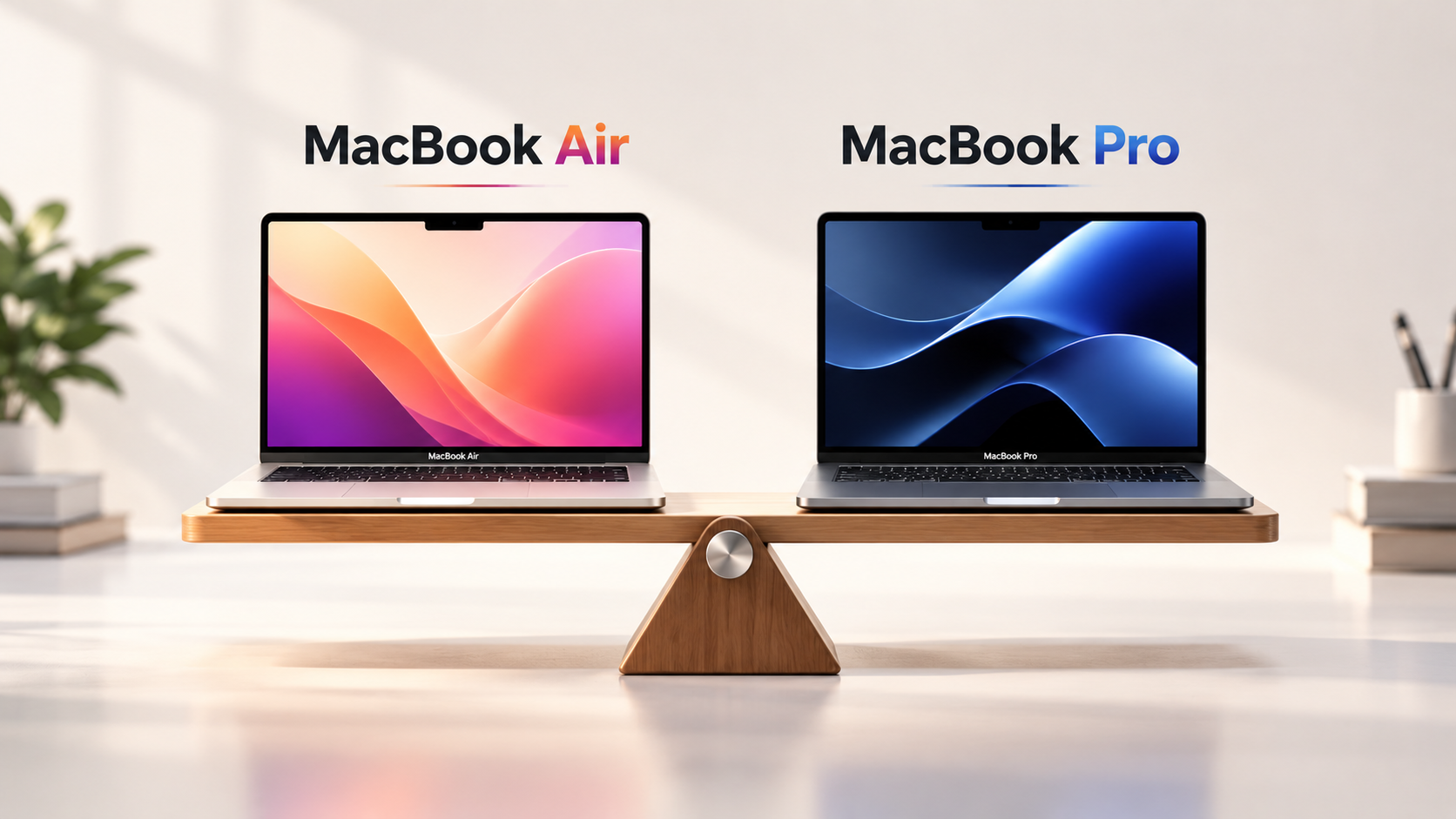
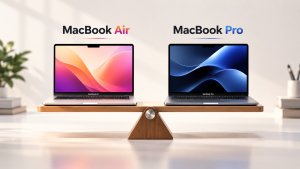
Choosing between MacBook Air vs MacBook Pro requires more than comparing prices or selecting the latest Apple chip. Your daily workload, portability needs, software requirements, and budget all influence which laptop delivers better long-term value.
This decision becomes especially important for students, software developers, creative professionals, and businesses investing in Apple devices. While both laptops offer strong performance, impressive battery life, and Apple’s integrated ecosystem, they serve different computing needs.
For instance, a marketing professional handling presentations and everyday applications may find the MacBook Air sufficient. Meanwhile, a video editor working with large 4K projects may benefit from the additional capabilities of the MacBook Pro.
This guide compares their performance, displays, battery life, portability, and overall value to help you choose a MacBook that matches your requirements.
Understanding the MacBook Air and MacBook Pro Lineups
Apple designs the MacBook Air around portability, efficiency, and everyday productivity. Its lightweight construction and fanless design make it suitable for students, business professionals, and people who frequently work while travelling.
The MacBook Pro, however, targets users who need greater sustained performance, advanced display technology, and additional connectivity options.
As of 2026, Apple’s MacBook Air lineup features the M5 chip in 13-inch and 15-inch models. Meanwhile, the MacBook Pro range includes 14-inch and 16-inch options, with M5, M5 Pro, and M5 Max configurations depending on the model.
Importantly, both product families can handle professional tasks. The main distinction lies in how demanding those tasks become and how long the laptop must sustain peak performance.
MacBook Air vs MacBook Pro: Performance Differences
Performance is one of the most important factors when selecting a laptop, particularly for users who work with demanding applications.
MacBook Air for Everyday Productivity
The MacBook Air handles routine computing tasks efficiently, including:
- Web browsing and document editing
- Microsoft Office and Google Workspace
- Online classes and video meetings
- Programming and lightweight development
- Basic photo editing and content creation
With Apple’s M5 chip and unified memory architecture, the Air offers capable performance for everyday multitasking.
However, its fanless design relies on passive cooling. During prolonged processor-intensive workloads, the laptop may reduce performance to manage heat.
MacBook Pro for Demanding Workloads

The MacBook Pro includes active cooling, allowing it to sustain higher performance during intensive workloads.
Depending on its chip configuration, it suits tasks such as:
- Professional 4K and higher-resolution video editing
- Complex software compilation
- 3D rendering and animation
- Large development projects
- Machine learning and local AI workloads
- Professional music production
Nevertheless, a MacBook Pro with the standard M5 chip does not automatically outperform every MacBook Air configuration by a substantial margin. The greatest performance advantages emerge with higher-end Pro and Max chips and sustained workloads.
Therefore, users should evaluate their actual software requirements before investing in additional processing power.
Display Quality and Visual Experience
Both laptop families offer high-resolution displays with accurate colour reproduction. However, their screen technologies differ.
MacBook Air Display
The MacBook Air features a Liquid Retina display with 500 nits of brightness, P3 wide colour, and True Tone technology.
Its 13.6-inch and 15.3-inch options provide flexibility between portability and screen space.
Consequently, it works well for office productivity, presentations, browsing, and general creative tasks.
MacBook Pro Display
The MacBook Pro offers a Liquid Retina XDR display with advanced HDR capabilities and ProMotion technology supporting adaptive refresh rates up to 120Hz.
This provides smoother scrolling, deeper contrast, and improved brightness for supported HDR content.
For photographers, video editors, and professionals working with visually demanding content, these features can deliver a meaningful advantage.
However, users who primarily work with documents, spreadsheets, and browser applications may not need the additional display capabilities.
MacBook Air vs MacBook Pro: Battery Life and Portability
Battery life matters for professionals who travel frequently or work away from charging points.
Apple rates the M5 MacBook Air for up to 18 hours of video streaming, while the 14-inch MacBook Pro with M5 can reach up to 24 hours under Apple’s specified testing conditions.
Actual battery performance varies depending on applications, display brightness, connectivity, and workload.
Although the MacBook Pro can offer longer battery life, the MacBook Air has a clear portability advantage.
Its thinner, lighter construction makes it convenient for commuting, university classes, client meetings, and travel.
Additionally, the fanless architecture operates silently, which can be useful in quiet environments.
Therefore, choose the MacBook Air when mobility is a priority. Consider the MacBook Pro when sustained performance and advanced capabilities matter more than minimizing weight.
Memory, Storage, and Connectivity Considerations
Beyond the processor, memory and storage significantly affect a laptop’s usability.
The M5 MacBook Air starts with 16GB of unified memory and 512GB SSD storage, with higher configurations available.
Similarly, MacBook Pro memory and storage options vary by processor and model.
For general productivity, 16GB of memory can support everyday multitasking. However, developers running virtual machines, designers handling large files, and professionals using memory-intensive applications may benefit from 24GB, 32GB, or higher configurations.
Storage requirements also depend on the workload. For example, video editors working with large media libraries often need considerably more storage than office users.
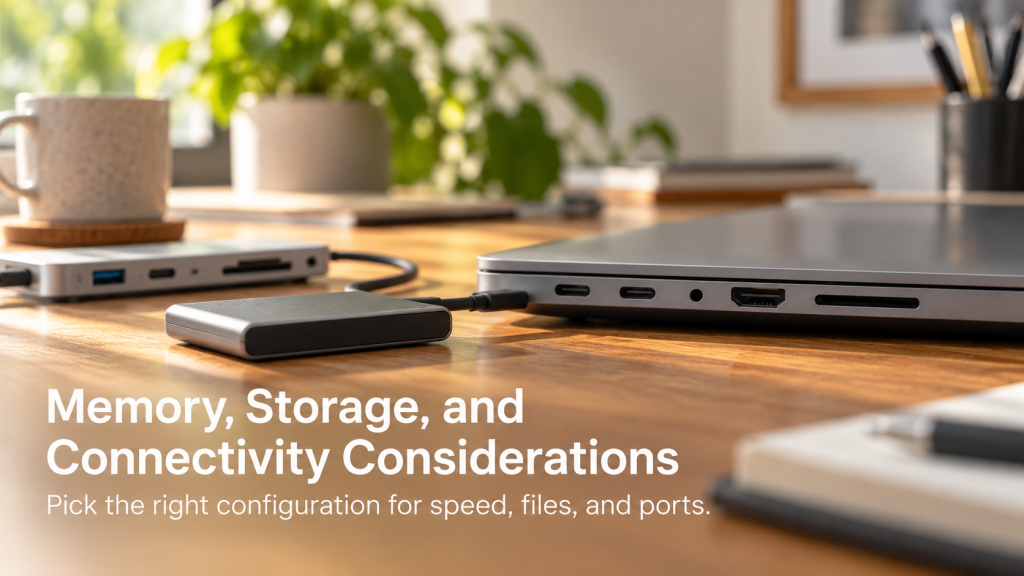
Connectivity creates another distinction.
The MacBook Air includes two Thunderbolt 4 ports, MagSafe charging, and a headphone jack. In comparison, current MacBook Pro models provide additional connectivity, including HDMI and an SDXC card slot.
Higher-end Pro configurations also offer Thunderbolt 5.
As a result, professionals connecting multiple accessories, external displays, or media devices may find the MacBook Pro more convenient.
MacBook Air vs MacBook Pro Comparison for Different Users
The ideal MacBook depends on the applications you use rather than the product’s premium positioning.
Students and Everyday Professionals
Recommended: MacBook Air
Students and office professionals generally prioritize portability, battery life, and reliable everyday performance.
The MacBook Air comfortably supports research, presentations, online meetings, spreadsheets, and routine productivity applications.
Furthermore, its lower purchase cost can make it more practical for budget-conscious users.
Software Developers and IT Professionals
Recommended: MacBook Air or MacBook Pro, depending on workload
Developers using lightweight editors, browser-based tools, and standard development environments may find the MacBook Air suitable.
However, professionals running large codebases, multiple development containers, emulators, or sustained compilation workloads may benefit from the MacBook Pro.
Memory capacity deserves particular attention when choosing a development machine.
Graphic Designers and Video Editors
Recommended: MacBook Pro for demanding professional projects
The MacBook Air can handle basic graphic design, photography, and occasional video editing.
However, professional editors managing complex timelines, high-resolution footage, and demanding visual effects often benefit from the Pro’s active cooling and advanced display.
Startups and Corporate Teams
Recommended: A workload-based combination of both models
Businesses rarely need the same MacBook specification for every employee.
For example, marketing, sales, HR, and administrative teams may work efficiently with the MacBook Air.
Meanwhile, developers, designers, and production teams may require MacBook Pro configurations.
A role-based procurement strategy helps organizations avoid unnecessary hardware expenditure while ensuring employees receive suitable computing resources.
MacBook Pricing and Long-Term Value in India
Price plays a major role in selecting between Apple’s laptop families.
The MacBook Air generally offers a lower entry cost, making it attractive to students, freelancers, and organizations deploying multiple devices.
Conversely, the MacBook Pro requires a greater upfront investment, particularly when configured with higher-end processors and additional memory.
However, purchase price alone does not determine value.
Before selecting a model, consider:
- Workload requirements: Avoid paying for performance that employees rarely use.
- Memory and storage: Choose configurations that support expected applications.
- Expected usage period: Evaluate whether the laptop will remain useful throughout its planned lifecycle.
- Maintenance and support: Account for repairs and device management.
- Scalability: Consider future hiring, changing projects, and temporary hardware requirements.
For instance, purchasing high-end MacBooks for a short-term development project may create unnecessary capital expenditure once the project ends.
Therefore, businesses should compare hardware ownership with alternatives that provide greater deployment flexibility.
Buying vs Renting a MacBook for Business Use
Purchasing a MacBook can make sense for users who expect to use the same device consistently over several years.
Ownership also provides long-term asset control without recurring rental payments.
However, renting MacBooks can be a practical alternative for organizations with temporary or changing hardware requirements.
Advantages of Buying
- Full ownership of the device
- Freedom to use the laptop without a rental period
- Potential long-term value through extended usage
- Ability to resell or reassign equipment
Advantages of Renting
- Lower initial capital investment compared with purchasing
- Flexible options for short-term and project-based requirements
- Easier allocation of devices during employee onboarding
- Access to different configurations according to workload
- Reduced concerns about owning underutilized hardware
For example, a company onboarding 30 developers for a six-month project may prefer renting suitable MacBook configurations rather than purchasing devices that may remain unused afterward.
Similarly, businesses expanding across Indian cities can explore rental arrangements to simplify hardware deployment without maintaining inventory at every location.
Nevertheless, rental terms, availability, security deposits, and support responsibilities should be reviewed before making a decision.
Common Questions About MacBook Selection
Which Is Better in the MacBook Air vs MacBook Pro Comparison?
The MacBook Air offers better value for users focused on everyday productivity, portability, and routine professional tasks.
The MacBook Pro provides additional advantages for sustained processing, professional creative applications, advanced display requirements, and demanding development workloads.
Ultimately, the better laptop is the one that meets your performance requirements without unnecessary expenditure.
Is the MacBook Air Powerful Enough for Coding?
Yes. Modern Apple silicon MacBook Air models can handle many programming tasks, including web development, scripting, and standard application development.
However, larger projects involving multiple virtual machines, emulators, or intensive compilation may benefit from a MacBook Pro with additional memory and sustained processing capability.
Is the MacBook Pro Worth the Extra Money?
The MacBook Pro can justify its higher price when its additional processing power, display capabilities, and connectivity directly improve your workflow.
However, for general office tasks and basic productivity, the MacBook Air may provide better overall value.
Which MacBook Is Best for Video Editing?
The MacBook Air works well for occasional editing and relatively simple video projects.
On the other hand, the MacBook Pro is generally more suitable for regular professional editing, complex effects, and demanding high-resolution workflows.
Which MacBook Is Better for Corporate Employees?
The MacBook Air often suits administrative, sales, marketing, and general business roles.
Meanwhile, software engineering, media production, and specialized technical teams may benefit from MacBook Pro models.
Organizations should select configurations according to employee responsibilities rather than adopting one specification for every department.
Where Can Businesses Rent MacBooks in India?
Businesses looking for MacBooks on rent in India can explore IndiaRENTALZ, an IT equipment rental provider offering MacBooks, laptops, desktops, and workstations for business requirements.
IndiaRENTALZ supports corporate hardware rental needs across India, including temporary projects, employee onboarding, and multi-location IT deployments.
Companies can enquire about available MacBook Air and MacBook Pro configurations, rental durations, and commercial terms based on their requirements.
Final Verdict: Selecting the Right MacBook
Both MacBook Air and MacBook Pro deliver a capable macOS experience, but they address different priorities.
The MacBook Air stands out for its lightweight design, efficient performance, and suitability for everyday work. Meanwhile, the MacBook Pro offers greater sustained computing capabilities, advanced display technology, and additional connectivity for demanding applications.
For individuals, the decision should depend on daily workloads and budget. For businesses, a role-based hardware strategy can help balance employee productivity with equipment costs.
Ultimately, choosing the right MacBook involves understanding how the device will be used, how long it will be needed, and whether purchasing or renting provides the better financial outcome.