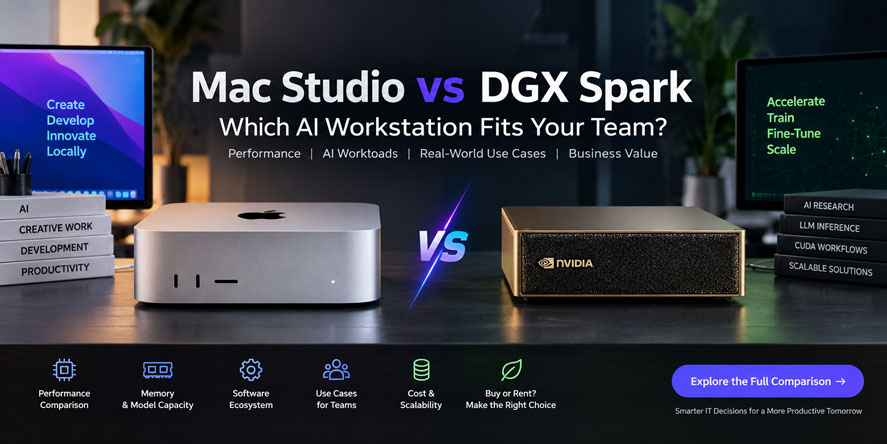

Artificial intelligence teams no longer need to depend entirely on cloud infrastructure for every experiment, inference task or development workflow. As businesses explore local AI infrastructure, the Mac Studio vs DGX Spark comparison has become increasingly relevant because both systems can run demanding AI workloads while offering different advantages in performance, memory, privacy and computing costs.
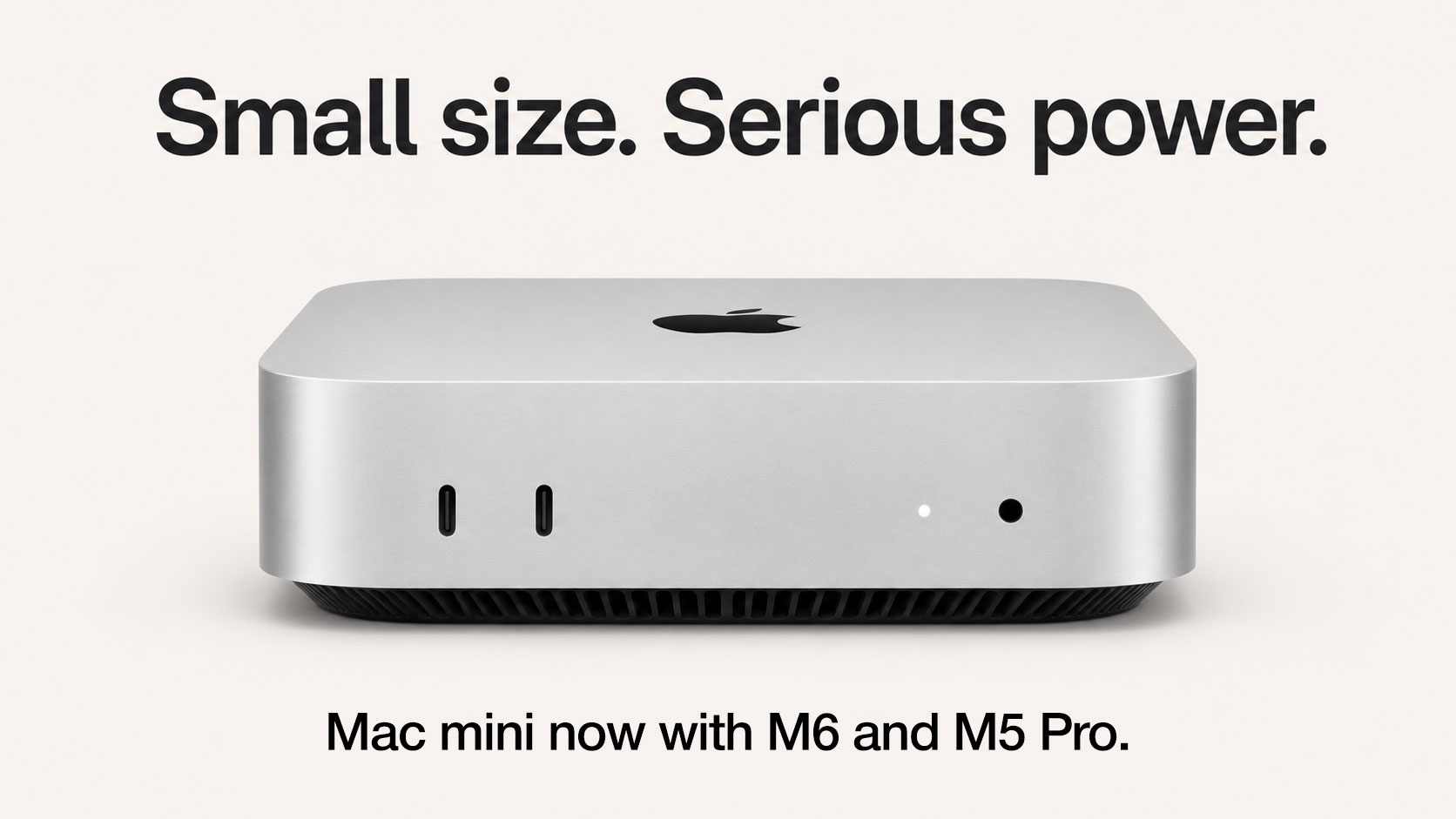
Apple’s Mac Studio with M5 Ultra focuses heavily on massive unified memory, high memory bandwidth and a versatile professional computing environment. NVIDIA DGX Spark, meanwhile, brings the CUDA ecosystem, Blackwell architecture and dedicated AI capabilities into a compact desktop system.
However, specifications alone do not determine which platform is right for a business. The better choice depends on model size, software requirements, development workflows, scalability and how long the organisation expects to use the infrastructure.
Mac Studio vs DGX Spark at a Glance
Although both systems target demanding professional workloads, they follow very different design philosophies.
The Mac Studio with M5 Ultra can be configured with up to 512 GB of unified memory and offers 1.2 TB/s memory bandwidth. Apple also integrates CPU, GPU, Neural Engine and memory into a unified architecture, which can be particularly useful when large AI models need access to substantial amounts of memory.
DGX Spark uses NVIDIA’s GB10 Grace Blackwell Superchip and includes 128 GB of unified LPDDR5X system memory, around 273 GB/s memory bandwidth and up to 1 PFLOP of FP4 AI compute with sparsity. NVIDIA officially positions it for inference, deployment and fine-tuning of AI models up to 200 billion parameters.
Therefore, the Mac Studio vs DGX Spark decision is not simply about which machine looks more powerful. Instead, it comes down to whether memory capacity, CUDA compatibility, model optimisation or workload flexibility matters most.
Memory Architecture Shapes Local AI Performance
Memory capacity can become one of the biggest limitations when businesses run large language models locally.
The M5 Ultra Mac Studio has a significant advantage here because Apple offers configurations with up to 512 GB of unified memory. In addition, its 1.2 TB/s memory bandwidth allows large amounts of data to move quickly between processing components.
This matters because large AI models need enough memory not only for their weights but also for context, intermediate calculations and runtime overhead.
As a result, organisations experimenting with very large models may value the Mac Studio’s memory capacity more than raw peak AI compute figures.
DGX Spark provides 128 GB of unified system memory. Although that is considerably lower than the maximum Mac Studio configuration, NVIDIA combines it with Blackwell Tensor Cores and software designed specifically for AI workloads.
Consequently, teams should evaluate model requirements before comparing headline specifications.
Mac Studio vs DGX Spark for Large Language Models

Large language model workloads create different bottlenecks depending on model architecture, quantisation and context size.
The Mac Studio’s large unified memory pool makes it particularly interesting for local inference involving models with hundreds of billions of parameters. Apple states that the M5 Ultra can run large LLMs locally and highlights its ability to keep massive datasets in memory.
Meanwhile, NVIDIA states that DGX Spark supports models up to 200 billion parameters and provides support for frameworks such as PyTorch and TensorRT-LLM.
Therefore, in a Mac Studio vs DGX Spark evaluation, Mac Studio may appeal more to teams whose main constraint is memory capacity. DGX Spark may instead appeal to teams that prioritise NVIDIA-optimised AI execution and established CUDA workflows.
However, model size alone should never determine the purchase. Quantisation method, framework compatibility and expected throughput can change the real-world result considerably.
CUDA and Apple AI Ecosystems
Software compatibility can influence the decision even more than hardware.
NVIDIA has spent years building CUDA into one of the most widely used foundations for AI development. Many machine learning tools, libraries and research workflows already assume access to NVIDIA GPUs.
DGX Spark therefore fits naturally into environments that use:
- CUDA-based applications
- PyTorch
- TensorRT and TensorRT-LLM
- AI inference pipelines
- Model fine-tuning
- Computer vision workloads
- NVIDIA development tools
For AI engineers who already work inside the NVIDIA ecosystem, switching platforms may introduce unnecessary development friction.
Apple takes a different approach.
Mac Studio supports Apple’s Metal architecture as well as tools such as MLX, Core ML and newer AI frameworks optimised for Apple silicon. Apple specifically promotes local model development, fine-tuning and deployment on its hardware.
As a result, the Mac Studio vs DGX Spark choice often becomes an ecosystem decision rather than a pure hardware comparison.
Creative AI and Hybrid Professional Workloads
Not every organisation buying an AI workstation employs dedicated AI researchers.
Many creative agencies, production studios, software companies and digital teams need systems that can handle several demanding workloads.
For example, one workstation may need to support:
- Local generative AI
- Video editing
- Motion graphics
- Software development
- Image generation
- 3D rendering
- Audio production
- AI-assisted content creation
Mac Studio has a strong advantage in this type of mixed environment because Apple combines AI processing with dedicated media engines and professional creative workflows.
Apple states that the M5 Ultra includes hardware acceleration for H.264, HEVC, ProRes, ProRes RAW and AV1 decoding, alongside multiple video encode and decode engines.
Therefore, creative teams that require both AI and high-end media production may find the Mac Studio more versatile.
DGX Spark, by contrast, makes more sense when AI development itself remains the primary purpose of the system.
Scalability for AI Development Teams
Individual workstation performance matters, but growing AI teams also need to consider what happens when workloads expand.
DGX Spark supports high-speed networking and includes NVIDIA ConnectX networking capabilities. This can help teams integrate the system into more advanced AI environments.
Apple has also expanded Mac Studio’s scalability. Apple states that multiple M5 Ultra systems can be connected using Thunderbolt 5 and RDMA to create larger shared-memory AI environments. According to Apple, a four-system cluster can provide significantly higher AI inference performance than a single Mac Studio.
Therefore, both platforms can extend beyond a single desktop.
However, businesses should consider whether they genuinely need to scale locally or whether larger workloads will eventually move to cloud or data-centre infrastructure.
That distinction can prevent unnecessary capital expenditure.
Cost, Utilisation and Business Value
High-performance AI hardware can involve substantial upfront investment.
However, the purchase price is only one part of the calculation.
Businesses should also consider:
- Expected project duration
- Hardware utilisation
- Maintenance requirements
- Software compatibility
- Upgrade cycles
- Resale value
- Infrastructure requirements
- Electricity consumption
- Future workload changes
For example, a startup may need powerful AI hardware for six months while developing a proof of concept. After the project finishes, the same workstation may operate at a fraction of its capacity.
Similarly, an enterprise may hire a temporary AI team for a specific project and need additional systems only during the development phase.
Therefore, the financial decision should focus on utilisation rather than simply ownership.
Mac Studio vs DGX Spark for Business Deployment
For enterprises, infrastructure decisions must balance technical capability with operational flexibility.
A Mac Studio may suit teams that want high memory capacity, creative capabilities, quiet office deployment and macOS-based development.
DGX Spark may be more appropriate for organisations where CUDA compatibility, AI engineering and NVIDIA-based deployment pipelines dominate the workload.
Moreover, procurement teams should evaluate the skills already available within the organisation.
An engineering team familiar with CUDA may achieve productivity more quickly on NVIDIA hardware. Meanwhile, a development or creative organisation already standardised on macOS may gain greater value from Mac Studio.
For this reason, the ideal workstation is not necessarily the system with the strongest individual specification. It is the system that integrates most efficiently into the business workflow.
Renting High-Performance Systems for Short-Term Projects
AI hardware is evolving quickly, while project requirements can change just as fast.
Consequently, purchasing expensive systems for every temporary requirement can create unnecessary capital expenditure.
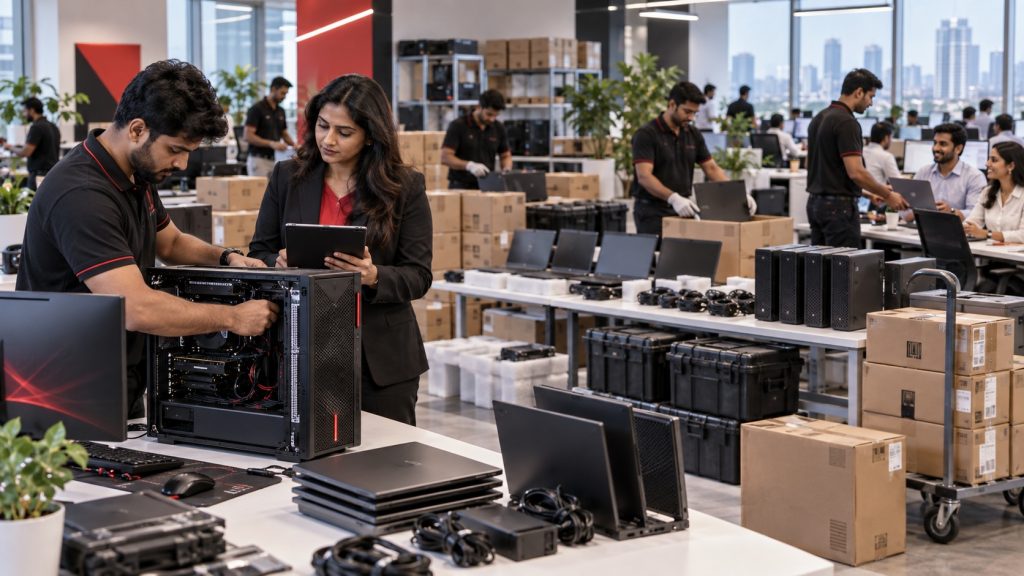
Businesses running pilots, proofs of concept, temporary AI projects or short development cycles can instead evaluate flexible IT rental solutions.
Renting can allow organisations to:
- Deploy high-performance systems for a defined project period
- Avoid large upfront hardware expenditure
- Scale device quantities as team size changes
- Test workflows before making permanent infrastructure decisions
- Reduce idle hardware after projects finish
- Upgrade systems as requirements evolve
Therefore, businesses should first determine how long the hardware will remain productively utilised.
A permanent internal AI team with predictable workloads may justify ownership. Conversely, a three-month AI experiment or temporary creative project may benefit from a rental model.
Advantages and Limitations of Each Platform
The Mac Studio offers several clear strengths.
Advantages of Mac Studio
- Up to 512 GB unified memory
- Very high memory bandwidth
- Strong performance for memory-intensive local AI
- Excellent creative and media capabilities
- Quiet and compact desktop form factor
- Strong integration with macOS workflows
Potential limitations
- No native CUDA support
- Some AI tools still prioritise NVIDIA hardware
- High-end configurations can require significant investment
DGX Spark also brings distinct advantages.
Advantages of DGX Spark
- NVIDIA Blackwell architecture
- CUDA ecosystem compatibility
- Dedicated AI development environment
- Up to 1 PFLOP FP4 AI compute with sparsity
- Support for models up to 200 billion parameters
- Strong integration with NVIDIA AI frameworks
Potential limitations
- Lower maximum memory capacity than the M5 Ultra Mac Studio
- More specialised toward AI workloads
- Teams outside the NVIDIA ecosystem may not benefit from its full software advantage
Ultimately, businesses should match these strengths to actual workloads rather than choose based on specifications alone.
Choosing the Right Local AI Platform
Neither platform wins every category.
Mac Studio becomes compelling when teams require extremely large unified memory, creative software compatibility and the ability to combine local AI with other professional workloads.
DGX Spark becomes compelling when AI engineering, CUDA compatibility and NVIDIA-optimised frameworks take priority.
In practice, an AI startup developing CUDA-based inference applications may prefer DGX Spark.
On the other hand, a creative technology company running large local models alongside video, graphics and development applications may find Mac Studio more practical.
Therefore, the right system depends on what the organisation intends to run today as well as how its workload may change over the next several months.
Related Queries
Is Mac Studio vs DGX Spark better for local AI?
The better choice depends on the workload.
Mac Studio offers significantly higher maximum unified memory capacity, making it attractive for very large models and memory-intensive inference. DGX Spark, meanwhile, provides NVIDIA’s Blackwell architecture, CUDA compatibility and a software environment designed specifically for AI development.
Therefore, businesses should compare model size, framework compatibility and expected throughput before choosing between them.
Which system is better for running large LLMs locally?
Mac Studio can be particularly attractive when memory capacity becomes the main limitation because the M5 Ultra supports up to 512 GB unified memory.
However, DGX Spark supports AI models up to 200 billion parameters and can provide a stronger experience for models and frameworks optimised for NVIDIA hardware.
Consequently, model size alone does not determine performance.
Is DGX Spark better for CUDA developers?
Yes, DGX Spark is generally the more natural choice for CUDA-based development.
NVIDIA designed the platform around its own AI ecosystem, including frameworks and libraries widely used for machine learning, model inference and fine-tuning.
Therefore, teams already working with NVIDIA infrastructure can usually integrate DGX Spark more easily into existing workflows.
Is Mac Studio suitable for AI and video editing together?
Yes.
The M5 Ultra Mac Studio combines substantial AI capability with dedicated media processing hardware, making it suitable for teams working across AI, video editing, content production and software development.
This versatility can be particularly valuable for creative studios and multidisciplinary technology teams.
Should businesses buy or rent an AI workstation?
Businesses with long-term, predictable workloads may benefit from purchasing their systems.
However, renting can make more sense for short projects, temporary development teams, proof-of-concept deployments or businesses that expect their hardware requirements to change.
In these situations, flexible rental models can reduce upfront investment and prevent expensive equipment from remaining unused once the project finishes.
Where can businesses rent high-performance IT systems in India?
Businesses looking for high-performance laptops, Mac systems, workstations and other project-based IT equipment can explore IndiaRENTALZ.
IndiaRENTALZ provides rental solutions for businesses that need IT infrastructure for temporary teams, development projects, creative workloads, enterprise deployments and changing workforce requirements.
Instead of committing significant capital to equipment that may only be required for a limited period, companies can align their hardware deployment with their actual project duration.
Final Perspective
The growth of local AI is giving organisations more choices beyond traditional cloud computing and large data-centre infrastructure.
Mac Studio offers exceptional memory capacity, high bandwidth and a versatile professional computing environment. DGX Spark provides a specialised NVIDIA AI platform backed by CUDA, Blackwell architecture and established machine learning tools.
Therefore, businesses should evaluate the workload before evaluating the workstation.
Model size, software environment, team expertise, deployment duration and scalability will ultimately determine which platform delivers greater value.
More importantly, companies experimenting with AI should avoid treating every infrastructure requirement as a permanent investment. When workloads remain temporary or uncertain, flexible IT rental solutions can help organisations access the computing power they need while keeping capital available for other business priorities.