Artificial intelligence is becoming a practical part of everyday business computing, making it increasingly important to understand the Microsoft Copilot hardware requirements before upgrading or replacing devices. Microsoft Copilot can help users summarize information, generate content, research topics and work more efficiently, while newer Copilot+ PCs bring additional AI processing directly onto the device.
However, businesses often assume that every Copilot feature requires a new AI laptop. That is not the case. Understanding the difference between the standard Copilot experience and the more demanding Copilot+ PC platform can help organisations make better hardware decisions.
For IT managers, procurement teams and business owners, this distinction matters. An existing laptop may already support Copilot, while advanced on-device AI functions may require a newer processor, dedicated Neural Processing Unit and additional memory.
This guide explains the processor, NPU, TOPS, RAM, storage and Windows requirements that businesses should evaluate before deciding whether to continue with existing devices, upgrade them or move to AI-ready PCs.
Microsoft Copilot hardware requirements for existing PCs
Microsoft Copilot itself does not automatically require a Copilot+ PC.
Microsoft states that the Copilot app on Windows can run on both Windows 10 and Windows 11. Furthermore, a Windows 11 PC can access Copilot even when it does not have the 40+ TOPS NPU required for Copilot+ PC classification.
Therefore, a company should first identify what employees actually need.
If employees mainly use Copilot for tasks such as writing assistance, summarising information, generating ideas or interacting with cloud-based AI, an existing compatible Windows computer may remain suitable.
However, the requirements change when the organisation wants advanced AI experiences designed specifically for Copilot+ PCs.
Microsoft identifies the following minimum specifications for Copilot+ PCs:
- A compatible processor or System on a Chip with a dedicated NPU
- NPU performance of at least 40 TOPS
- 16 GB DDR5 or LPDDR5 RAM
- 256 GB SSD or UFS storage
- Windows 11 and compatibility with the relevant Copilot+ features
Microsoft currently lists AMD Ryzen AI 300 and 400 series, Intel Core Ultra 200V and 300V series, and Snapdragon X series among compatible processor families.
Consequently, an ordinary Windows 11 laptop and a Copilot+ PC should not be treated as the same hardware category.
The difference between Copilot and Copilot+ PCs
The terminology can easily create confusion.
Microsoft Copilot is primarily an AI assistant that can use cloud-based processing. Because much of the workload takes place online, the computer does not need to process every AI operation locally.
A Copilot+ PC, by contrast, belongs to a specialised category of Windows 11 AI computers designed around local AI processing.
The main difference is the NPU.
Traditional computers primarily rely on the CPU for general computing and the GPU for graphics and parallel workloads. Meanwhile, an NPU focuses specifically on AI-related calculations.
As a result, Copilot+ PCs can handle supported AI workloads locally with greater efficiency instead of depending entirely on cloud processing. Microsoft specifically requires an NPU capable of at least 40 TOPS for Copilot+ PCs.
For an enterprise, that means the decision should not simply be, “Do we use Copilot?”
Instead, IT teams should ask whether employees need the additional on-device AI capabilities that justify Copilot+ hardware.
Why the NPU matters for AI workloads
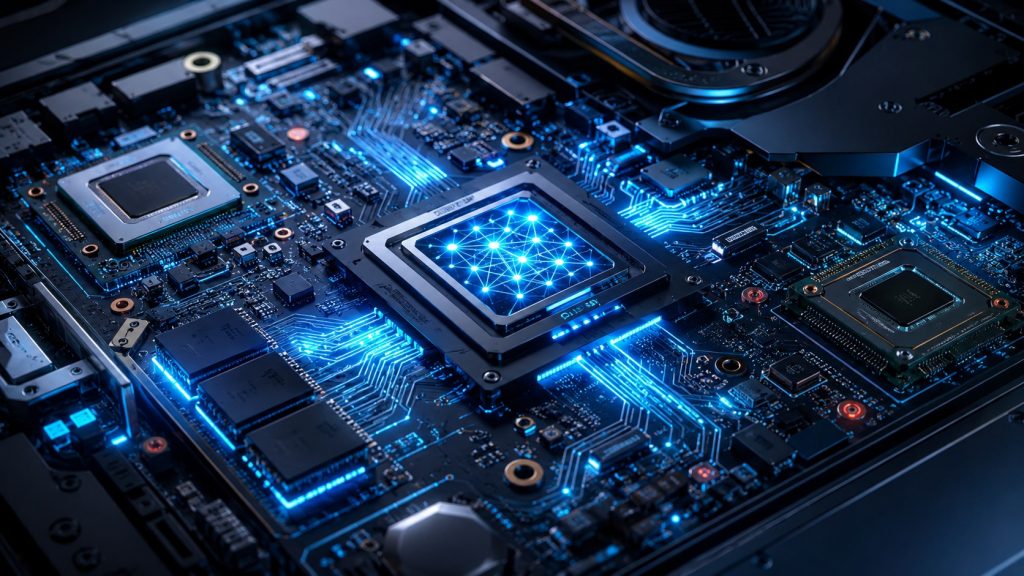
A Neural Processing Unit, or NPU, is a processor designed to accelerate artificial intelligence operations.
Modern CPUs can already perform many AI-related calculations. GPUs can also process large numbers of operations simultaneously. However, running constant AI workloads through those components can consume additional power and computing resources.
An NPU handles specialised AI tasks more efficiently.
Therefore, it can support AI functions without placing the entire workload on the CPU or GPU. For mobile business laptops, this approach can also help maintain responsiveness while employees continue running browsers, collaboration applications, office software and other business workloads.
Microsoft describes Copilot+ PCs as Windows 11 AI PCs powered by NPUs designed for demanding AI processes such as real-time translation and image generation.
For organisations evaluating AI PCs, NPU performance has consequently become another specification to assess alongside processor generation, RAM and SSD capacity.
Understanding the 40 TOPS requirement
TOPS means trillion operations per second.
It measures how many AI-related operations a processor or NPU can theoretically perform every second.
Therefore:
40 TOPS means approximately 40 trillion operations per second.
Microsoft currently uses 40+ TOPS as the minimum NPU performance threshold for Copilot+ PCs.
However, TOPS should not become the only factor in a procurement decision.
Two computers with similar NPU performance can still deliver different overall experiences because performance also depends on the CPU, memory, storage, software optimisation, battery design and application workload.
Consequently, enterprises should evaluate the complete device rather than selecting laptops purely because a specification sheet mentions an NPU.
Microsoft Copilot hardware requirements for RAM and storage
Memory becomes especially important when employees combine AI tools with normal business applications.
Microsoft requires at least 16 GB DDR5 or LPDDR5 memory for Copilot+ PCs. Additionally, the device must include at least 256 GB of SSD or UFS storage.
For many enterprise deployments, however, the minimum configuration may not always represent the ideal configuration.
An employee may simultaneously run:
- Microsoft Teams or another meeting platform
- Outlook
- Excel
- PowerPoint
- Multiple browser tabs
- CRM or ERP software
- Security applications
- Cloud storage tools
- AI-enabled applications
Therefore, 16 GB can serve as a reasonable baseline, while users with demanding workloads may benefit from 32 GB.
Likewise, 256 GB meets Microsoft’s Copilot+ PC minimum, but organisations storing large files, development environments, design assets or offline business data may prefer 512 GB or more.
The objective should be to match the hardware to the employee’s complete workload rather than merely meeting the minimum specification.
Windows 11 compatibility remains the first checkpoint
Before considering an AI PC, businesses should check whether their existing fleet can run Windows 11 properly.
Windows 11 itself has substantially lower minimum requirements than a Copilot+ PC. Microsoft lists a compatible 64-bit processor with two or more cores at 1 GHz or faster, 4 GB RAM, 64 GB storage, UEFI Secure Boot capability and TPM 2.0 among its baseline hardware requirements.
Therefore, a PC may support Windows 11 and Microsoft Copilot without qualifying as a Copilot+ PC.
This distinction helps businesses avoid unnecessary replacement.
An IT department can first divide existing devices into three groups:
- Devices that cannot properly move to Windows 11
- Windows 11-compatible devices that can continue supporting standard business workloads and Copilot
- Copilot+ PCs capable of supporting newer on-device AI experiences
This staged approach makes hardware planning more practical and prevents a complete fleet refresh when only selected employees require advanced AI capabilities.
Why businesses should Upgrade Windows 10 to Windows 11
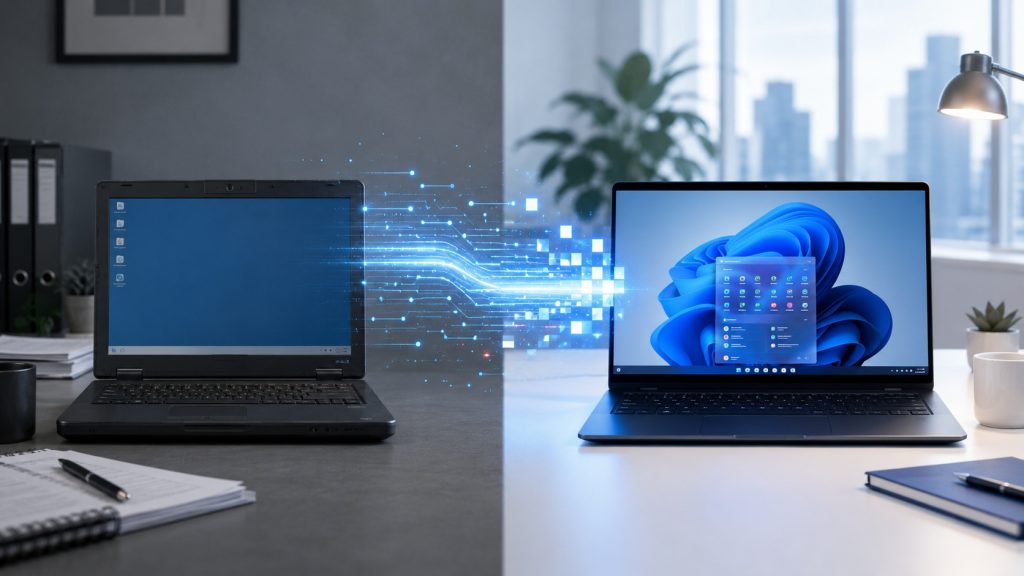
The move toward AI PCs is happening alongside another important technology transition.
Microsoft ended standard support for Windows 10 on October 14, 2025. Windows 10 computers can continue operating, but Microsoft no longer provides the normal free security updates, feature updates or technical support associated with a supported operating system. Microsoft also provides Extended Security Update options for organisations or users that require additional transition time.
Therefore, businesses still operating older fleets should evaluate their migration plans rather than treating AI adoption as a separate project.
Companies planning to Upgrade Windows 10 to Windows 11 can use the transition as an opportunity to review:
- Processor generation
- TPM 2.0 availability
- Secure Boot support
- RAM capacity
- SSD capacity
- Device age
- Battery condition
- Application compatibility
- NPU availability for future AI workloads
Some systems may only need an operating-system upgrade. Others may technically support Windows 11 but offer limited performance for modern multitasking.
Meanwhile, older devices that fail Windows 11 compatibility requirements may justify replacement or rental instead of additional investment.
How Microsoft Copilot hardware requirements affect business upgrades
The best upgrade strategy depends on employee roles.
For example, administrative employees primarily using browser applications, email and office productivity software may not need a Copilot+ PC immediately.
Likewise, employees who mainly access cloud-based Copilot functions may continue working effectively on capable Windows 11 laptops.
However, AI-intensive teams, developers, analysts, creative professionals and employees expected to use newer local AI experiences may benefit from machines with dedicated NPUs.
Therefore, organisations should avoid issuing identical premium AI hardware to every employee without assessing actual requirements.
A better approach is to classify users according to workload.
Standard productivity users: capable Windows 11 business laptops may remain sufficient.
Heavy multitasking users: consider modern processors, 16 GB or 32 GB RAM and faster SSD storage.
AI-focused users: prioritise Copilot+ PC-class hardware with a 40+ TOPS NPU.
Specialised creative or engineering users: evaluate the NPU together with GPU, RAM, storage and application compatibility.
This approach can reduce unnecessary capital expenditure while still preparing teams for wider AI adoption.
Choosing between upgrading and replacing existing laptops
Once businesses understand the Microsoft Copilot hardware requirements, the next decision becomes financial as much as technical.
Upgrading existing laptops makes sense when the processor supports Windows 11, TPM and Secure Boot are available, the device remains reliable, and RAM or storage can meet the workload.
Keeping existing hardware also reduces immediate deployment costs.
However, older laptops have limitations. You generally cannot add a modern 40+ TOPS NPU to a conventional business laptop through a simple RAM, storage or operating-system upgrade.
Therefore, organisations that specifically need Copilot+ capabilities will usually need devices designed around compatible AI processors.
Replacement makes more sense when:
- Existing laptops cannot support Windows 11
- Device performance already limits employee productivity
- Batteries or hardware are reaching end of life
- AI workloads form part of the organisation’s near-term roadmap
- Employees require Copilot+ PC-specific experiences
- The cost of upgrading and maintaining ageing equipment approaches the cost of newer hardware
Alternatively, companies can rent suitable devices for projects, pilots, temporary teams or phased AI deployments instead of immediately purchasing a large new fleet.
A practical hardware strategy for enterprise AI adoption
The Microsoft Copilot hardware requirements should serve as a planning framework rather than a reason to replace every laptop at once.
First, audit the existing fleet.
Next, check Windows 11 compatibility and identify systems that no longer meet operating-system or performance requirements.
Then, segment employees according to workloads and determine which teams genuinely need Copilot+ PC capabilities.
After that, test AI-ready hardware with a smaller group before expanding deployment.
Finally, compare purchase, upgrade and rental costs across the expected lifecycle of the project.
This gradual approach helps IT teams adopt AI computing without creating unnecessary hardware costs or disrupting established workflows.
Common questions about Copilot-ready computers
What are the Microsoft Copilot hardware requirements?
The requirements depend on the experience you want to use. The standard Copilot app can work without Copilot+ PC-class hardware. However, Microsoft requires a compatible processor with a 40+ TOPS NPU, 16 GB DDR5/LPDDR5 RAM and 256 GB SSD/UFS storage for a Copilot+ PC.
Do I need an NPU to use Microsoft Copilot?
Not for standard Copilot use. Microsoft supports cloud-based Copilot experiences without requiring a Copilot+ PC. However, advanced on-device Copilot+ experiences require specialised AI hardware, including a qualifying NPU.
Can an existing Windows 11 laptop run Copilot?
Yes. Microsoft states that if a PC runs Windows 11, it is compatible with Copilot. However, accessing Copilot+ PC-specific experiences requires qualifying Copilot+ hardware.
Can I add more RAM and convert my laptop into a Copilot+ PC?
Usually not. Adding RAM or SSD capacity can improve performance, but Copilot+ classification also requires a compatible processor or SoC with a 40+ TOPS NPU. Therefore, a conventional laptop without the required NPU cannot become a Copilot+ PC simply through memory or storage upgrades.
Should a business replace every laptop for Microsoft Copilot?
No. Businesses should first determine which employees need standard Copilot and which require advanced on-device AI capabilities. Capable Windows 11 laptops may remain suitable for many employees, while Copilot+ PCs can be assigned to users with workloads that benefit from local AI processing.
Is 16 GB RAM enough for a Copilot+ PC?
Microsoft sets 16 GB DDR5/LPDDR5 as the minimum for Copilot+ PCs. However, businesses running demanding applications, large datasets, development tools or extensive multitasking may benefit from 32 GB depending on the workload.
Where can businesses rent AI-ready laptops?
Businesses that want to test newer hardware without purchasing an entire fleet can consider laptop rental. IndiaRENTALZ provides business laptops and IT rental solutions for enterprise teams, temporary projects, remote employees, events and hardware deployments across India.
Rental can be particularly useful when an organisation wants to pilot Copilot-ready or higher-performance laptops with selected employees before committing capital to a larger hardware refresh.
Preparing business laptops for the AI era
AI adoption does not automatically mean replacing every computer in the organisation.
Standard Microsoft Copilot functionality can work on existing supported systems, while Copilot+ PCs introduce a higher hardware standard centred around a 40+ TOPS NPU, 16 GB RAM and modern solid-state storage.
Therefore, IT leaders should start with a device audit, confirm Windows 11 compatibility and identify which employee workloads genuinely require local AI processing.
For some organisations, upgrading current machines will remain the most efficient option. For others, ageing Windows 10 hardware and increasing AI requirements may make newer devices more practical.
Ultimately, the strongest strategy combines compatibility, performance, security, employee requirements and cost rather than choosing hardware solely because it carries an AI label.