
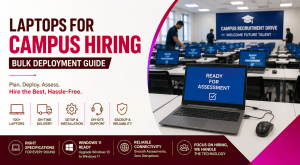
Campus recruitment drives often involve hundreds of candidates, multiple assessment rounds and strict schedules. As a result, arranging laptops for campus hiring becomes a critical part of event planning. While recruitment teams usually focus on registrations, interview panels and evaluation criteria, device readiness can become an unexpected operational challenge.
Arranging laptops for campus hiring requires more than finding 100 available devices. Every laptop must have suitable specifications, a consistent operating system, reliable connectivity and the required assessment software. Furthermore, the devices must reach the venue early enough for installation, testing and issue resolution.
A structured rental and deployment plan can help HR, administration and IT teams conduct large hiring drives without purchasing equipment that may remain unused after the event.
Laptops for Campus Hiring Need Early Capacity Planning
Bulk device requirements should ideally be discussed as soon as the hiring schedule, expected participation and assessment format are confirmed. Even when the final candidate count is uncertain, an initial estimate allows the rental provider to check inventory and reserve a suitable device category.
The planning process should cover:
- Number of candidates per assessment batch
- Number of simultaneous users
- Event dates and daily operating hours
- Campus or assessment-centre locations
- Aptitude, coding and interview stages
- Required software and browser versions
- Internet and local network availability
- Installation and testing timelines
- Backup device requirements
- On-site or remote technical support
For example, an event involving 500 candidates may not require 500 laptops if the assessment is conducted in five batches. However, if 150 candidates will take a coding test simultaneously, the team may need approximately 150 configured laptops, along with additional backup systems.
Therefore, the number of devices should be based on concurrent usage rather than total registrations alone.
Device Specifications for Different Recruitment Rounds
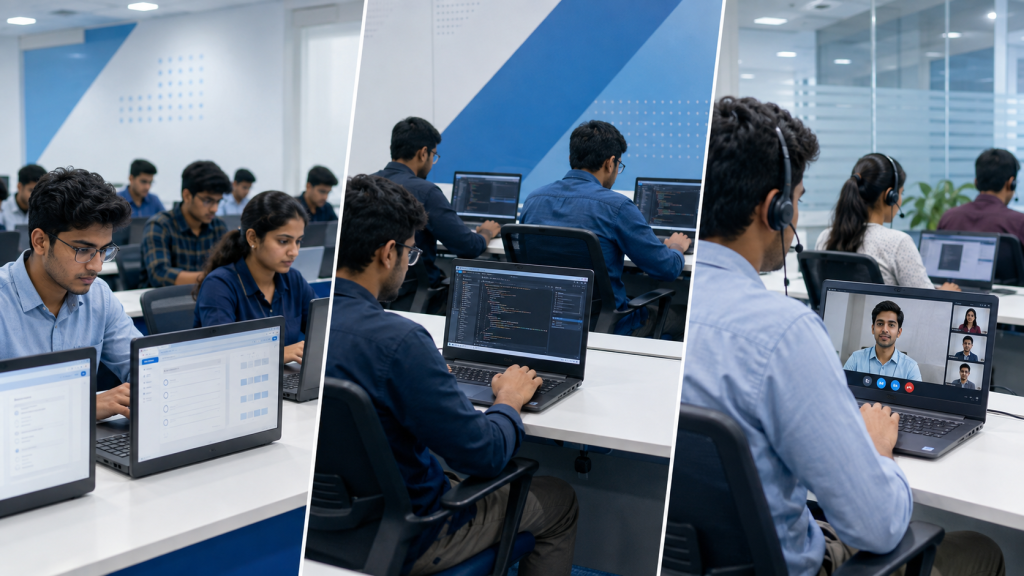
Not every campus recruitment activity needs a high-performance laptop. Nevertheless, choosing systems only on the basis of price can create performance and compatibility problems during the event.
Aptitude and Browser-Based Assessments
Most online aptitude, reasoning and communication tests run through a secure browser or web-based assessment platform. A practical configuration usually includes:
- Intel Core i3 or Core i5 processor
- 8 GB RAM
- 256 GB SSD
- Stable Wi-Fi and Ethernet connectivity
- 14-inch or 15.6-inch display
- Functional webcam, microphone and speakers
- Windows 11
- Updated browser
- Original or compatible charger
An SSD is particularly important because it improves startup speed, application loading and responsiveness when several browser processes run together.
Coding and Technical Assessments
Coding rounds can require integrated development environments, compilers, local servers, database tools or browser-based coding platforms. Consequently, the configuration should reflect the actual test environment.
A suitable starting point may include:
- Intel Core i5 processor or equivalent
- 8 GB to 16 GB RAM
- 256 GB or 512 GB SSD
- Windows 11 or a specified Linux distribution
- Required programming languages and frameworks
- Approved IDEs and browser extensions
- Administrator controls based on the test policy
If candidates will work with Android Studio, virtual machines, container tools or data-processing applications, 16 GB RAM may be necessary. The assessment company should therefore share the complete software list before the laptops are configured.
Video Interviews and Group Discussions
Online interviews rely more heavily on audiovisual quality and network stability. Each system should have a tested webcam, microphone, speaker or headset connection and a compatible video-conferencing application.
Additionally, the venue should provide adequate lighting, controlled background noise and sufficient bandwidth for simultaneous calls.
Renting Versus Purchasing for Seasonal Hiring
Purchasing 100 or more laptops may appear straightforward, especially when an organisation conducts recruitment regularly. However, ownership also introduces capital expenditure, storage, maintenance, asset tracking and resale responsibilities.
Rental is generally more practical when:
- The requirement is linked to a specific hiring season
- The devices are needed for a few days or weeks
- Candidate numbers change between events
- Multiple cities must be covered
- Different assessments require different configurations
- The organisation wants to avoid idle inventory
- Replacement support is required during the event
Purchasing may be appropriate when the devices will remain in regular use after recruitment. For example, the same laptops may later be assigned to newly hired employees, training teams or permanent examination centres.
However, the organisation must still consider procurement lead time, configuration effort, warranty coordination, storage and long-term utilisation. Therefore, the decision should be based on total operational value rather than the purchase price alone.
Laptops for Campus Hiring Require Standardised Configuration
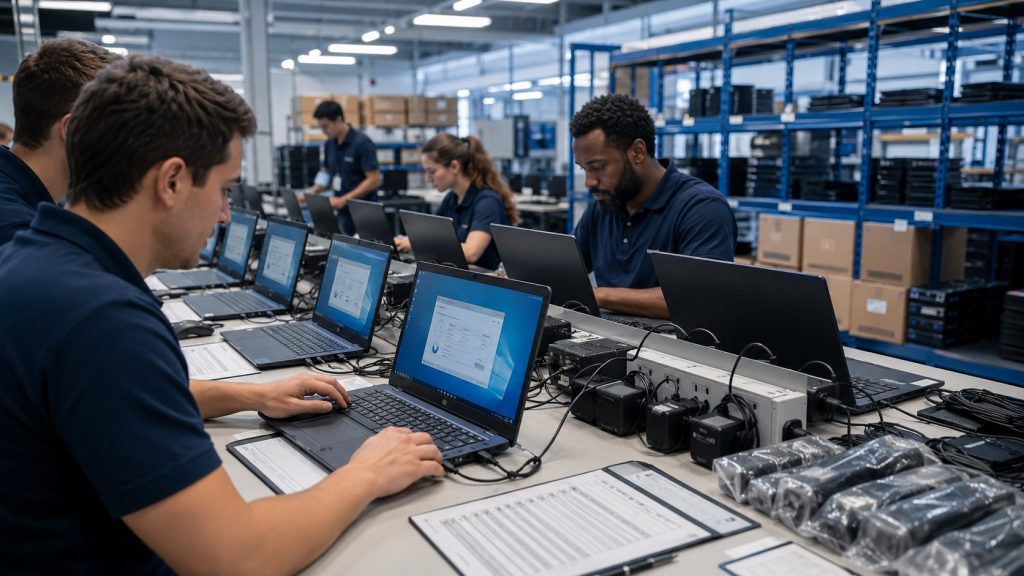
A large assessment environment becomes difficult to manage when devices have different operating systems, browser versions or software installations.
Standardisation reduces this risk. Before dispatch, the provider and assessment team should agree on a master configuration covering:
- Operating system edition and version
- Browser and browser version
- Assessment platform
- Secure browser or proctoring application
- Programming tools
- Webcam and microphone permissions
- User-account settings
- Power and sleep settings
- USB and external-device restrictions
- Antivirus and firewall exceptions
- Local administrator access
- Candidate data removal after the event
Ideally, one sample laptop should be prepared and tested before the complete batch is configured. Once the assessment company approves the sample, the same image or checklist can be applied across the fleet.
This process helps prevent situations in which candidates see different application versions or security prompts during the same test.
Windows Readiness and Compatibility Checks
Organisations using older inventories should verify whether the devices can run supported software before deploying them for recruitment.
Windows 10 reached the end of support on October 14, 2025. Microsoft no longer provides regular free security updates, software updates or technical assistance for standard Windows 10 installations. As a result, using unsupported systems for browser-based assessments, candidate logins or organisational data may introduce avoidable security and compatibility concerns.
Before attempting to upgrade Windows 10 to Windows 11, IT teams should confirm that each laptop meets Microsoft’s requirements. These include a compatible 64-bit processor, Secure Boot capability and Trusted Platform Module version 2.0. Microsoft recommends using the PC Health Check application to assess device eligibility.
However, operating-system compatibility is only one part of readiness. The recruitment platform, proctoring tools, drivers, webcams, headsets, printers and network utilities should also be tested on Windows 11.
For a short-term hiring drive, renting preconfigured Windows 11 devices may be more efficient than upgrading a large number of ageing office laptops immediately before the event.
Delivery, Installation and Network Preparation
Bulk delivery should be treated as a deployment project rather than a routine shipment.
The provider needs enough time to select, test, label, configure and pack the devices. Meanwhile, the event team must prepare the venue, electrical connections, internet access and seating plan.
A typical sequence includes:
- Confirm the quantity, configuration and venue.
- Reserve the required inventory.
- Prepare and approve a sample device.
- Install the operating system and applications.
- Test the keyboard, battery, display, ports and charger.
- Label each laptop and record its serial number.
- Pack devices with the corresponding accessories.
- Deliver them before the event date.
- Complete installation and network testing.
- Conduct a trial assessment.
- Keep backup devices ready.
- Collect, verify and reset the systems after use.
Whenever possible, devices should arrive at least one working day before the hiring activity. Large, multi-location or software-intensive deployments may require a longer preparation period.
Laptops for Campus Hiring Need Backup Capacity
Even fully tested devices can face unexpected problems because of transport damage, charger faults, software conflicts or network interruptions. Therefore, event planners should not deploy exactly the same number of laptops as active candidates.
A backup quantity of approximately five to ten per cent is often practical, although the exact number should depend on the venue, assessment duration and availability of technical support.
For instance, a 100-seat assessment lab may need 105 to 110 ready systems. Backup chargers, extension boards, network cables, mice and headsets may also be required.
Additionally, spare systems should remain configured and powered on. An unconfigured laptop stored inside a carton will not help when a candidate’s assessment has already started.
Technical Support During the Hiring Event
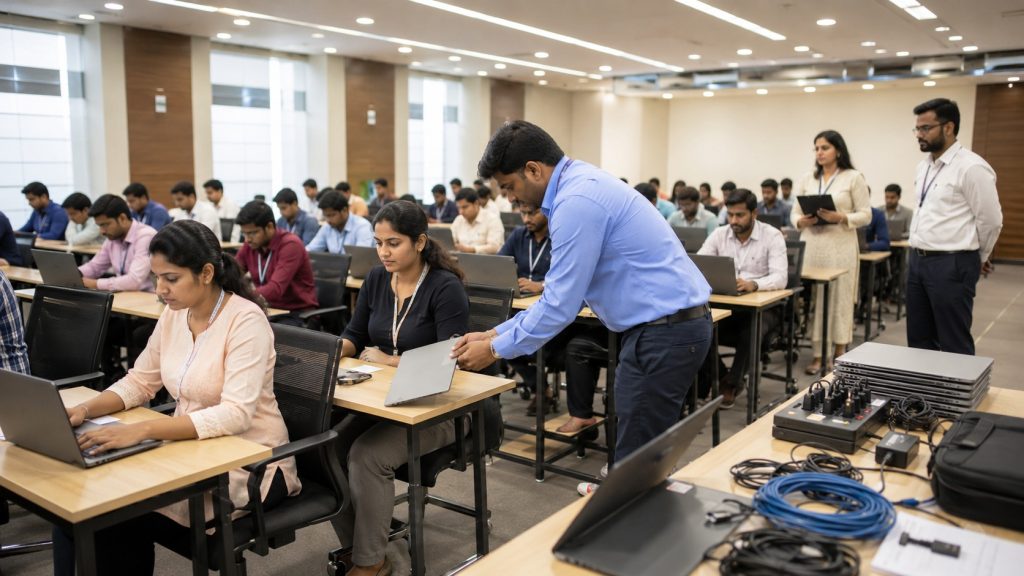
Support requirements vary according to the event’s size and complexity. A smaller aptitude test may be handled through remote assistance, whereas a large coding examination may require an engineer at the venue.
The support plan should identify responsibility for:
- Laptop hardware issues
- Operating-system errors
- Assessment-platform problems
- Candidate login failures
- Wi-Fi and local network faults
- Power interruptions
- Webcam or microphone access
- Device replacement
- Coordination with the software provider
The rental provider should manage device-related issues, while the assessment company handles platform credentials and application-level errors. At the same time, the venue’s IT team should remain responsible for internet connectivity and local networking unless those services are included in the rental scope.
Clear responsibility prevents teams from losing valuable time deciding who should address an issue during a live assessment.
Information Required to Confirm a Bulk Requirement
A provider cannot reliably confirm availability based only on a request for “100 laptops.” The following details help determine the correct inventory, commercial proposal and deployment plan:
- Required quantity
- Backup quantity
- Processor, RAM and storage expectations
- Required operating system
- Software and assessment platform
- Delivery and collection address
- Event date and device-ready deadline
- Rental duration
- Number of locations
- Expected daily batches
- Internet and network arrangements
- Installation requirements
- On-site support requirements
- Accessories such as mice, headsets or LAN cables
- Billing and documentation details
- Budget range
Moreover, organisations should mention whether the quantity is confirmed or estimated. The provider can then reserve an initial fleet and define a deadline for final confirmation.
Common Questions About Bulk Campus Deployments
How early should laptops for campus hiring be booked?
The requirement should preferably be initiated two to four weeks before the event, particularly for quantities above 100 or for deployments across multiple cities. However, timelines vary according to specifications, software installation, inventory availability and location.
Early confirmation allows time for sample testing, configuration, logistics and a complete trial run.
How many backup laptops are needed for 100 candidates?
For a 100-seat assessment, approximately five to ten backup laptops may be appropriate. A higher buffer may be needed when the event runs for several days, the venue is outside a major city or immediate replacement support is unavailable.
The backup devices should have the same configuration and software as the primary fleet.
Can an organisation upgrade Windows 10 to Windows 11 before an assessment?
Yes, provided that each device meets Microsoft’s hardware requirements and the assessment applications are compatible. The organisation should check eligibility through PC Health Check and test the complete software environment before upgrading the full batch.
When older devices are incompatible or the preparation period is limited, renting Windows 11 systems can reduce upgrade-related delays.
Is internet connectivity included with laptop rental?
Internet connectivity is not automatically included in every rental arrangement. It should be discussed separately because requirements vary by venue, candidate count and assessment platform.
The organiser should confirm whether the venue will provide Wi-Fi, wired connectivity, dedicated bandwidth or a backup internet connection. A network load test should also be performed before the event.
Where can organisations rent bulk laptops for hiring drives?
Organisations conducting placement drives, examinations or bulk recruitment events can approach IndiaRENTALZ for short-term and project-based device requirements.
IndiaRENTALZ can support bulk laptop requirements across India, subject to configuration, location and inventory availability. HR, IT or administration teams should share the quantity, specifications, duration, event location, software requirements and support expectations so that device availability and deployment feasibility can be evaluated accurately.
A Reliable Deployment Begins Before Event Day
A successful campus hiring event depends on more than candidate registrations and interview schedules. The laptops, applications, network and support process must operate as one coordinated environment.
Therefore, teams should confirm concurrent user capacity, choose specifications according to the assessment type, standardise the software setup and maintain ready-to-use backup systems. They should also complete a trial assessment before candidates arrive.
By treating device preparation as a planned deployment rather than a last-minute purchase, organisations can reduce technical interruptions, control seasonal costs and provide candidates with a consistent recruitment experience.